Unreal Engine 4 Start C++ Guide
posted by: Vinícius Cordeiro Jan 2, 2020
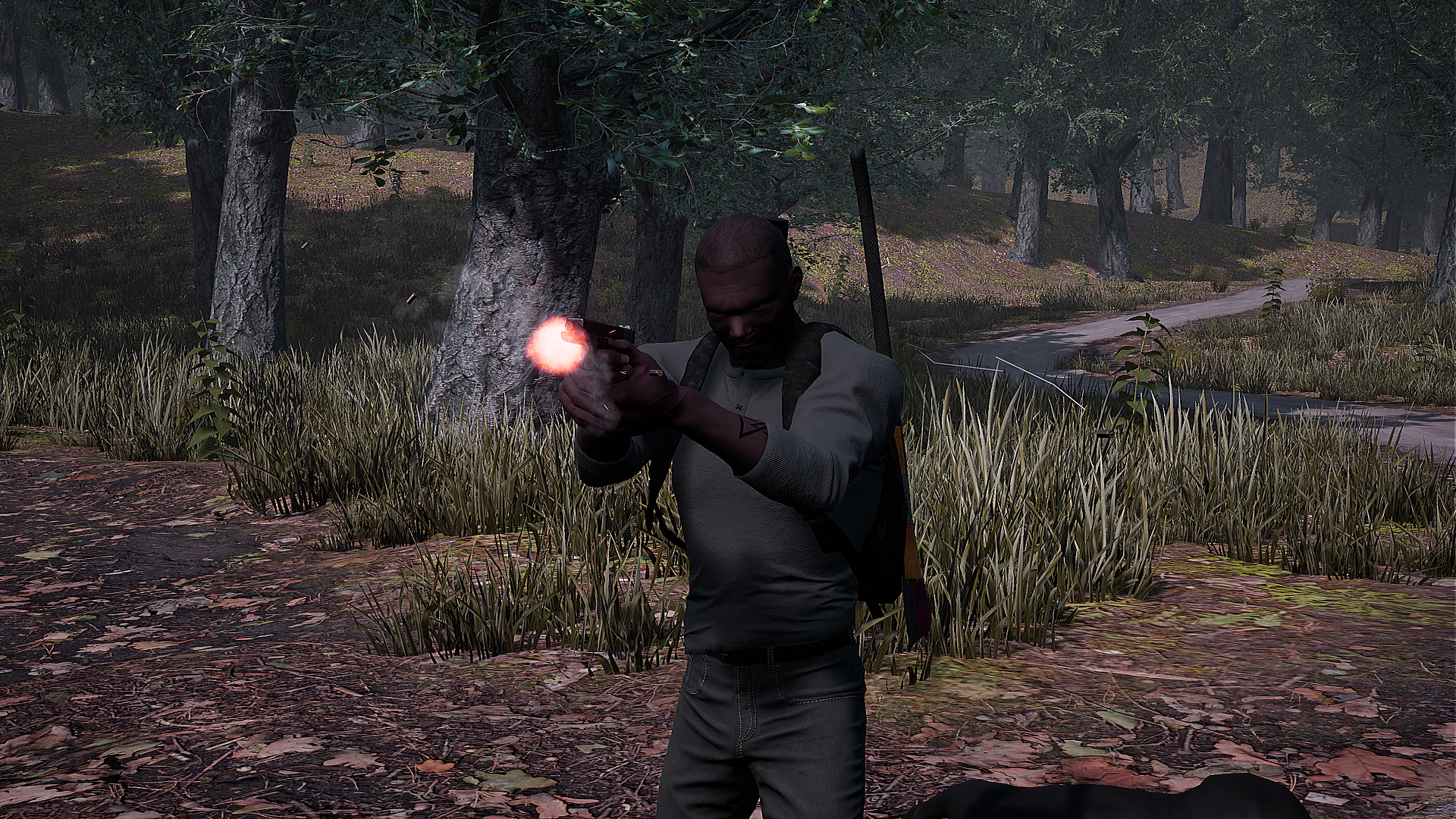
How to get started with unreal engine 4 c++ is not simple, even if you are a experienced programmer as some say..
Unreal Engine 4 API can be challenging.. expecially if you are starting to program or have never coded before so I will try to help you out keep in mind some stuff will be different, based on the version you have of the engine....
Unreal Engine 4 Minimalist Interface
posted by: Vinícius Cordeiro Feb 7,2020
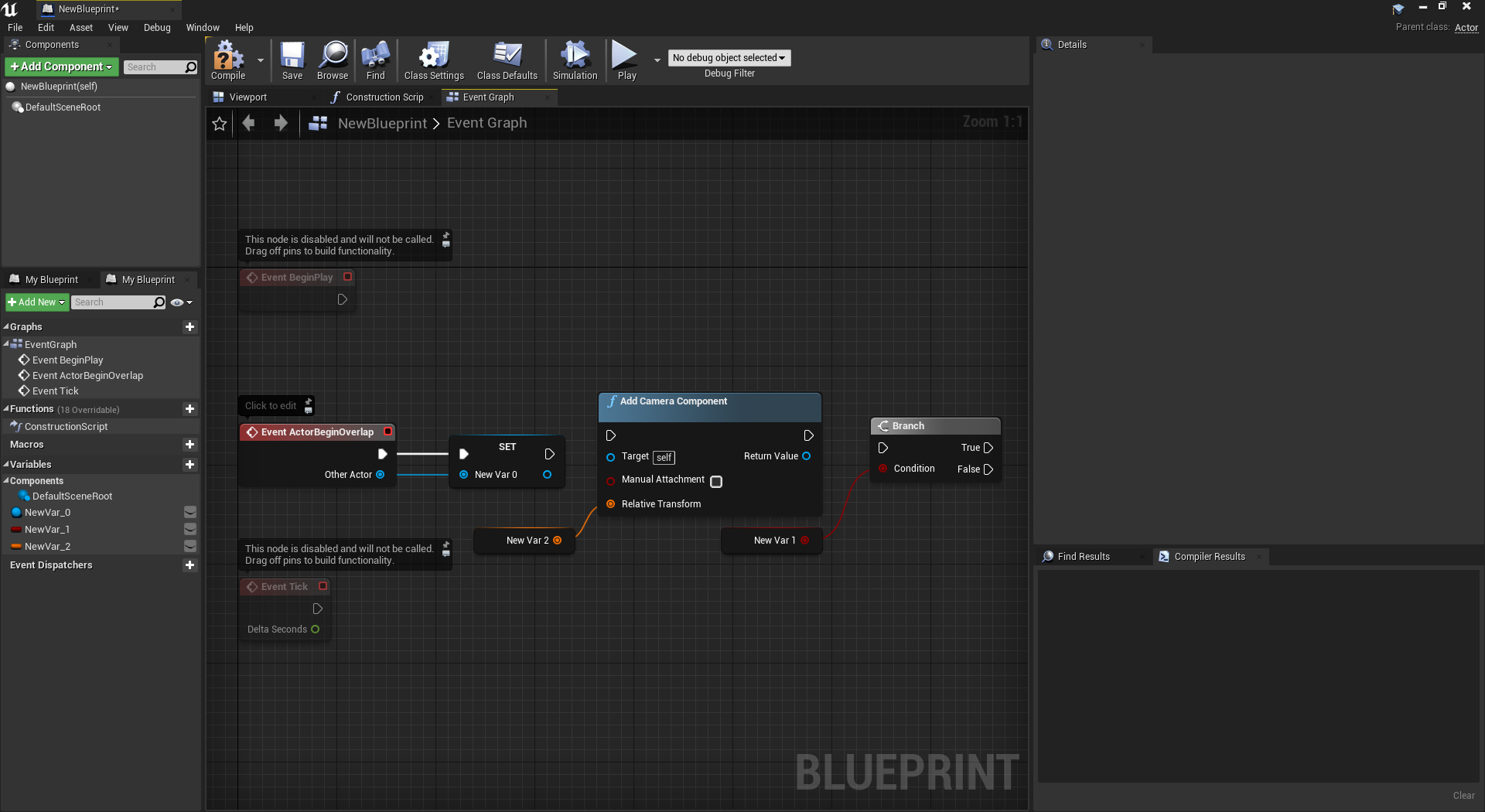
Add the minimalist interface to unreal engine 4 is simple: Just follow the link bellow, install it and have a dark minimalist effect on you unreal engine :)
Not Giving Up Road Map
posted by: Vinícius Cordeiro Feb 7,2020
NOT GIVING UP SURVIVAL ROAD MAP
→ Redo all inventory system
→ Make code clearer to read (adding comments and better code standards)
→ Design the missions for the game
Unreal Engine 4 UI Grid Slots
posted by: Vinícius Cordeiro Feb 8, 2020
Creating dynamic inventory with Unreal Engine, is easy you just need to know where to start so I will help you with some tips
→ Use C++ as calculations can be faster and dynamically changed using integration with blueprints
→ Use singletons and interfaces to store informations globally so can acessed easier
→ Always comment your comments with the necessary informations you may need after you need later to maintain the code working
First off create a new C++ project if you don't already have one, after that import any kind of interface stuff you want to your items for now i will not import anything
I will use the basic borders and images from unreal engine,
Now create a new C++ class of type UUserWidget with the name of _slot, use public (the reason of using the _ before the name is to avoid conflicts with engine default slot names) this will give you access to the user widget class inheritence from the engine defaults. after the code compiles and Visual studio is opened fix some errors that may happen if some sort of weird bug happen. Usually is the include file on the source file that is not with the correct path just fix it
                                // Your copyright notice
                                #include "Public/YourFilePath/_slot.h "
_slot.cpp
                                // Your copyright notice
                                #include "Public/YourFilePath/_slot.h"

                            // Initialize all the neccessary slots and informations inside the slot as images and borders
                            bool _slot::Initialize()
                            {
                                Super::Initialize();
                                // we need a valid background image and a valid icon image object otherwise this cannont be initialized
                                if(!_background || !_icon) return false;

                                // set the color of this background and make the icon transparent/invisible
                                _background->SetColorAndOpacity(FLinearColor(0.5f,0.5f,0.5f,0.5f));
                                _icon->SetColorAndOpacity(FLinearColor(0.f,0.f,0.f,0.f));
                            }
Back to the engine create a new C++ class of the type UUserWidget with the name of _grid do the same thing fixing the same issues from the bug, notice that this may or may not happen to you
                                //Your Copyright Notice
                                #include "Public/YourFilePath/_grid.h "
With this problem fixed we can procced to the next steps to create our grid slot "inventory " panel